
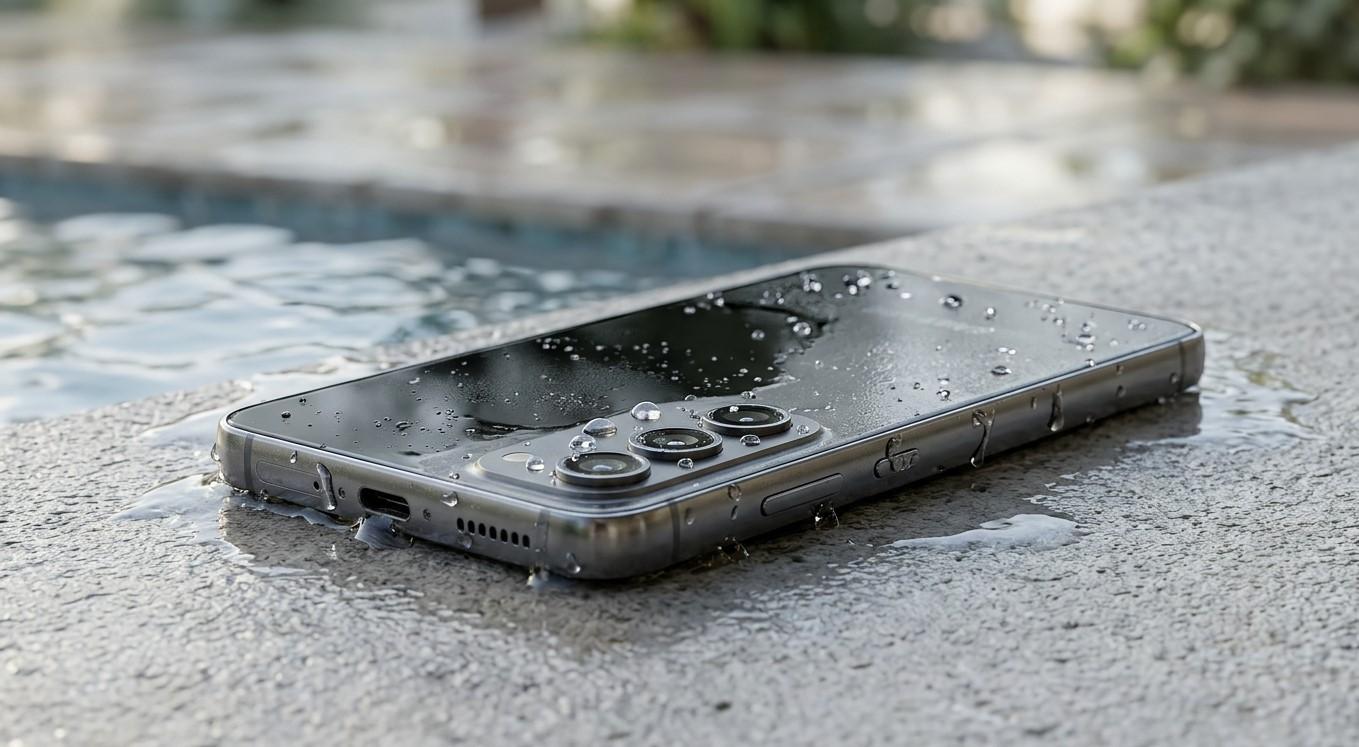
Water-Damaged Samsung Phone: What to Do Before Seeking Professional Repair

Accidentally dropping your Samsung phone into water can be stressful, especially when it contains important photos, contacts, and personal information. Acting quickly and avoiding common mistakes may help reduce the risk of further damage. Nanotech Mobile can help you explore repair options, while Samsung repair Regina is a useful search term when looking for professional assistance in Regina. In this guide, you'll learn what to do immediately after water exposure, which mistakes to avoid, and when to seek expert help. To learn more about smartphone repair, visit Nanotech Mobile, read more about repair solutions, or click here to explore the website: https://nanotechmobile.ca/.
Table of Contents
-
Common Signs of Water Damage
-
What to Do Immediately
-
What Not to Do
-
When to Seek Professional Repair
-
Frequently Asked Questions
-
Conclusion and Call to Action
1. Common Signs of Water Damage
Water damage does not always make a phone stop working immediately. Sometimes symptoms develop hours or days later.
Watch for these warning signs:
-
The screen flickers, develops unusual lines, or goes black.
-
The phone refuses to charge.
-
Speakers or microphones sound muffled.
-
Buttons or touchscreen controls stop responding.
-
The device restarts unexpectedly or shuts down.
-
The camera lens appears foggy.
-
Battery performance changes suddenly.
Even if your Samsung phone appears normal after getting wet, moisture may remain inside the device and cause corrosion over time.
2. What to Do Immediately
Turn Off the Phone
If your phone is on and can be safely switched off, power it down promptly. If it has already switched off, do not repeatedly turn it on to test whether it works.
Disconnect All Accessories
Unplug the charger and remove connected accessories. Never connect a charging cable while the device or charging port may be wet.
Dry the Exterior Carefully
Use a soft, clean cloth to gently remove visible moisture. Keep the phone's charging port facing downward when appropriate, allowing excess liquid to drain naturally without shaking the device aggressively.
Remove the Case and SIM Tray if Safe
Remove the protective case and, if you can do so without forcing anything, the SIM tray. This may help exposed areas dry. Do not open the phone yourself or remove components that require tools.
Seek Professional Advice
If the phone was submerged, exposed to salt water, or shows unusual symptoms, arrange a professional assessment as soon as practical. Salt water and other liquids can leave residues that increase corrosion risk.
3. What Not to Do
Some common reactions can make water damage worse.
-
Do not charge the phone: Electricity and moisture can damage internal components.
-
Do not use a hair dryer: Heat may damage the screen, battery, seals, and other components.
-
Do not put the phone in rice: Rice is not a reliable method for removing internal moisture and can introduce dust or debris.
-
Do not press random buttons: Repeatedly powering on the device may worsen electrical damage.
-
Do not shake it vigorously: This may spread liquid into other areas.
-
Do not assume water resistance guarantees protection: Water resistance can decline with age, wear, drops, or previous repairs.
Allow the phone to remain powered off until a qualified technician advises that it is safe to proceed.
4. When to Seek Professional Repair
Professional help is especially important if the phone was submerged, will not turn on, displays charging warnings, or has developed screen, audio, or battery problems.
A technician may inspect the charging port, battery, display, and internal components to assess the extent of the damage. Repair options depend on the liquid involved, the affected components, and the condition of the device.
If you are searching for Samsung repair Regina, look for a repair provider that explains the diagnostic process, estimated costs, and possible outcomes before starting work. You can contact Nanotech Mobile to ask about water-damage assessment and available Samsung repair services.
Remember that water damage cannot always be fully reversed, and successful repair is not guaranteed. Back up your data if the device becomes safe to use again, and ask about data recovery if important files are inaccessible.
Frequently Asked Questions
1. Can a water-damaged Samsung phone be repaired?
Sometimes. The outcome depends on the liquid, exposure time, and damage to internal components. Professional assessment can help determine whether repair is practical.
2. How long should I wait before charging a wet Samsung phone?
Do not charge it while moisture may be present. If the phone was submerged or shows signs of internal damage, seek professional guidance instead of relying only on a waiting period.
3. Does putting a Samsung phone in rice work?
Rice is not a dependable way to remove internal moisture. Keep the phone powered off and seek appropriate repair advice.
4. Can water damage appear later?
Yes. Corrosion and other problems can develop after the initial exposure, even if the phone seems to work normally at first.
Conclusion
Water damage can affect your Samsung phone's screen, charging port, battery, and internal components. Turning the device off, avoiding charging, and skipping unsafe drying methods may help prevent additional harm. Nanotech Mobile is an option to explore for Samsung repair Regina services and guidance after liquid exposure. To learn more, visit Nanotech Mobile, read more about repair options, or click here: https://nanotechmobile.ca/.
Call to Action
Has your Samsung phone been exposed to water? Keep it powered off and do not connect it to a charger. Contact Nanotech Mobile to ask about available assessment and repair options for your model. Acting promptly may help you understand the damage and decide on the next step.