
What Should You Do When Your Mobile Phone Screen Works but the Display Remains Black?

A mobile phone that responds to touch but shows a black screen can be confusing and frustrating. You might hear notifications, feel vibrations, or receive calls, yet nothing appears on the display. This problem may result from a software glitch, a damaged display, a loose internal connection, or another hardware issue. If you experience this problem, iPC Repair Houston can help you explore professional repair options. Choosing reliable cell phone repair Houston services can help identify the cause and determine the right solution.
Table of Contents
-
Why Does Your Phone Screen Stay Black?
-
What Should You Do First?
-
When Do You Need Professional Repair?
-
How Can You Prevent Future Screen Problems?
-
Frequently Asked Questions
-
Contact iPC Repair Houston
1. Why Does Your Phone Screen Stay Black?
Several problems can cause a phone to function while its display remains black.
Software Glitches
Sometimes, an operating system error or frozen application prevents the display from working correctly. The phone may still receive calls and notifications even though the screen appears completely black.
Damaged Display Components
A phone can suffer internal screen damage after being dropped or exposed to pressure. Even when the outer glass looks intact, the display panel or its internal connections may be damaged.
Battery or Power Issues
A low battery or power-related fault may prevent the screen from turning on properly. However, if your phone continues vibrating or receiving calls, the issue may involve the display rather than the battery alone.
Loose Internal Connections
A damaged or disconnected display connector can interrupt communication between the phone's mainboard and screen. Diagnosing this problem generally requires professional inspection.
2. What Should You Do First?
Before arranging a repair, try a few safe troubleshooting steps.
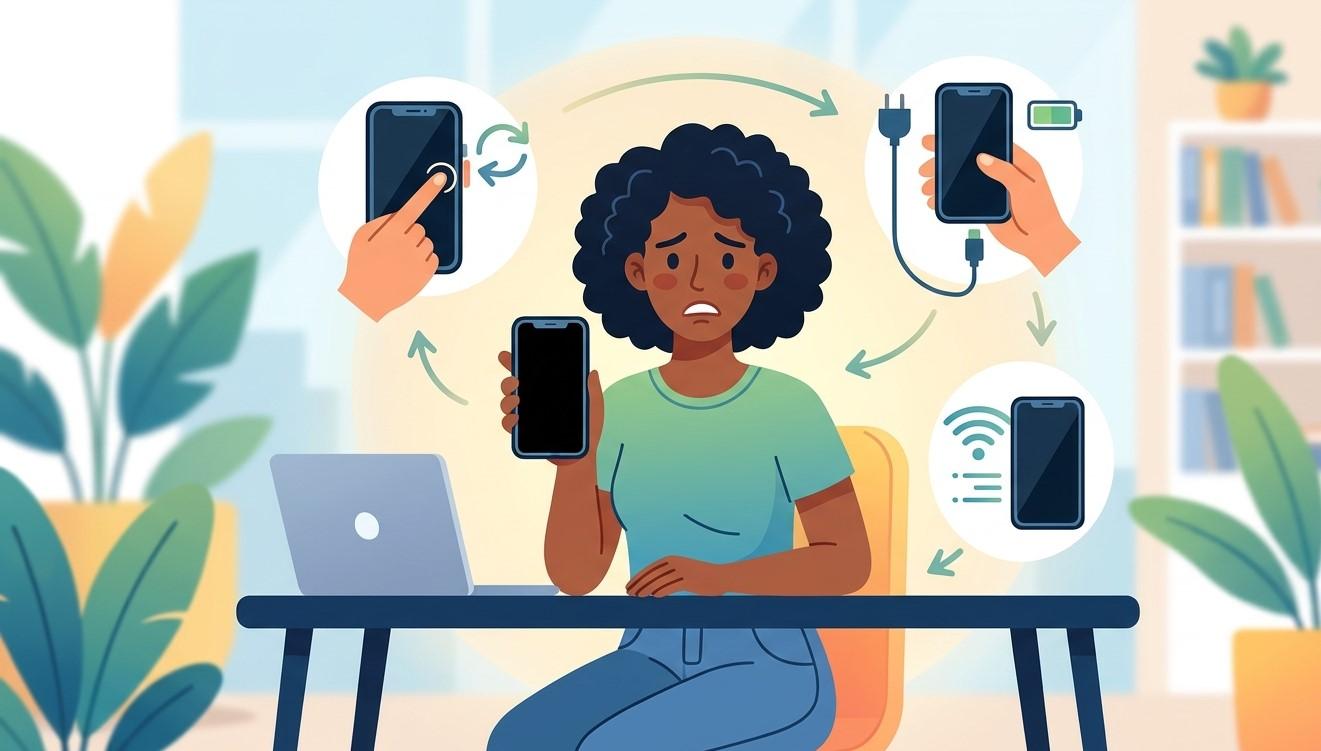
Restart Your Phone
Perform a force restart using the button combination recommended for your specific phone model. This can resolve temporary software problems without deleting your personal data.
Charge the Device
Connect your phone to a reliable charger and leave it charging for approximately 20–30 minutes. If the screen remains black, try the appropriate restart procedure while following your manufacturer's instructions.
Check for Signs of Activity
Call your phone from another device or listen for notification sounds. If it rings or vibrates while the screen stays black, the display or its connections may be responsible.
Avoid Pressing or Opening the Screen
Do not press hard on the display, apply heat, or attempt to open the device without the proper tools. These actions may worsen existing damage or create additional problems.
If the screen remains black after these checks, professional diagnosis is the next sensible step.
3. When Do You Need Professional Repair?
You should consider professional repair if the display stays black after restarting and charging, particularly when the phone continues to function.
A technician can inspect the display panel, connectors, battery, and other relevant components to identify the underlying problem. Depending on the diagnosis, the solution may involve a display replacement, connector repair, or software troubleshooting.
For dependable cell phone repair Houston assistance, consider contacting iPC Repair Houston. Explain when the issue started, whether the phone was dropped, and whether it was exposed to moisture. These details can help the technician narrow down possible causes.
If your phone contains important photos, contacts, or documents, mention your data-preservation concerns before authorizing repairs. Avoid factory resetting the device unless necessary and you understand the potential data loss.
4. How Can You Prevent Future Screen Problems?
Although some display failures happen unexpectedly, a few precautions can reduce the risk of damage.
-
Use a protective case: Choose one that provides adequate protection around the edges.
-
Install a screen protector: This can help protect the glass from scratches and minor impacts.
-
Keep your phone dry: Moisture can damage internal components, even if the phone initially appears to work.
-
Avoid excessive pressure: Do not keep your phone in places where it may bend or become compressed.
-
Install software updates: Updates may resolve known software issues, although they cannot fix physically damaged hardware.
These habits can help protect your device and reduce the likelihood of avoidable problems.
5. Frequently Asked Questions
Why Is My Phone Screen Black but Still Responding to Touch?
A software glitch, damaged display panel, or loose internal connection may cause this issue. Professional diagnosis can help identify the exact cause.
Can a Black Phone Screen Be Repaired?
Yes, depending on the underlying problem. A restart may resolve a temporary software issue, while hardware damage may require a display replacement or another repair.
Will I Lose My Data If My Screen Stops Working?
Not necessarily. Your data may remain intact, but accessing or backing it up can become difficult. Avoid factory resets and discuss data protection with your technician.
Should I Replace My Phone if the Screen Is Black?
Not always. If the phone's other components work correctly, repairing the display may be a practical alternative to replacing the entire device.
6. Contact iPC Repair Houston
A black display does not automatically mean your phone is beyond repair. Identifying the cause early can help you understand your options and avoid unnecessary replacement costs.
If your phone still responds but the screen remains black, visit iPC Repair to learn more about available repair options. For assistance with display problems and other device issues, contact iPC Repair Houston and explain the symptoms.
To explore additional information, read more about phone troubleshooting and repair options at https://ipcrepairhouston.com/. If you are ready to discuss your device's problem, click here to visit the website and find out how to get started.