
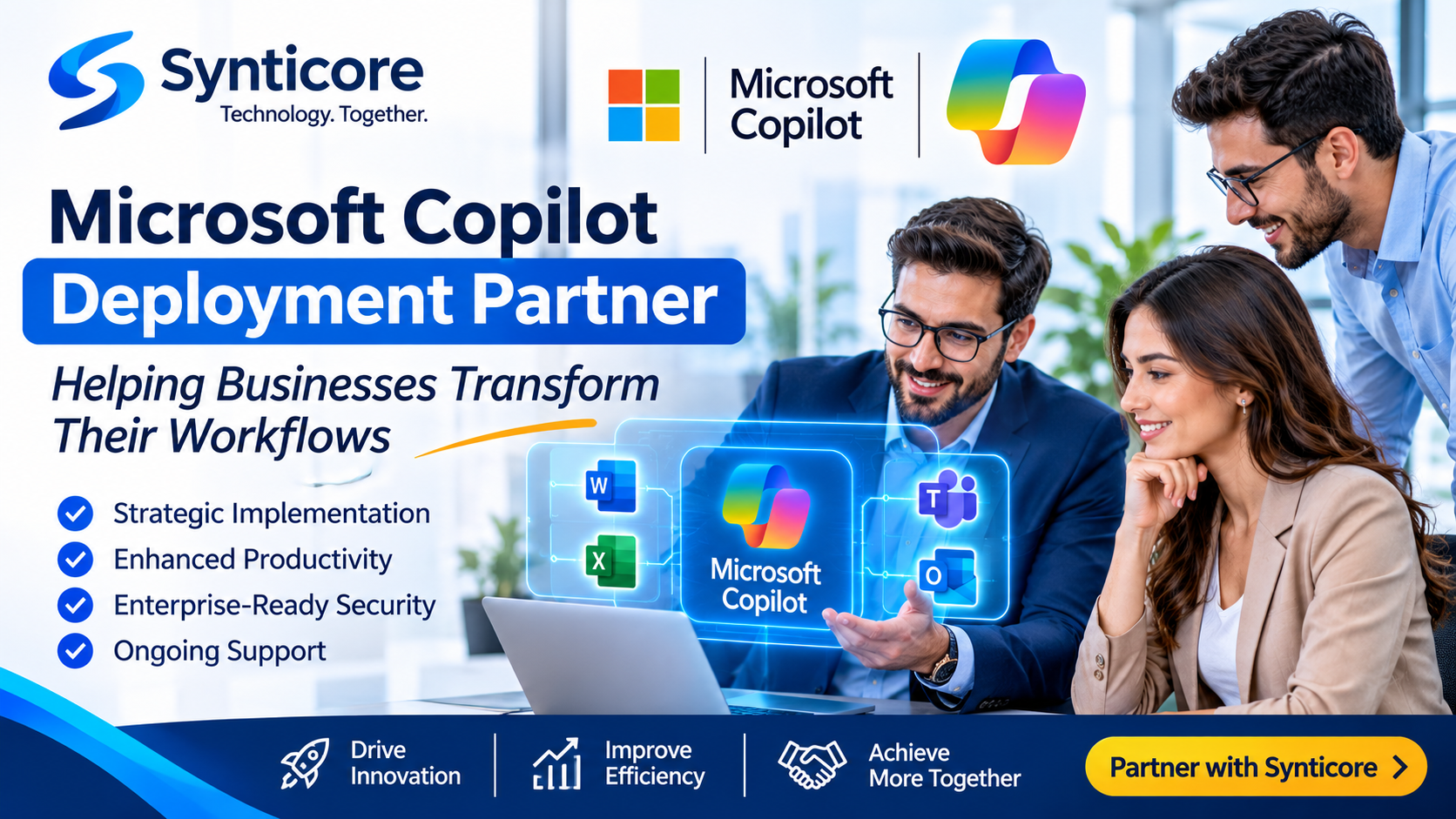
Microsoft Copilot Deployment Partner: Helping Businesses Transform Their Workflows

Businesses are constantly looking for better ways to manage daily operations, improve employee productivity, and reduce repetitive tasks. As artificial intelligence becomes more integrated into workplace technology, organizations are exploring tools that can make everyday work faster and more efficient.
Microsoft Copilot is one of the technologies gaining attention in this area. Integrated into Microsoft's ecosystem, Copilot can assist users with tasks such as drafting documents, summarizing information, analyzing data, and organizing communication.
However, introducing AI into an organization requires more than simply purchasing software. Businesses need proper planning, configuration, security considerations, and employee preparation to achieve meaningful results.
Understanding Microsoft Copilot for Modern Businesses
Microsoft Copilot brings AI-powered assistance into supported Microsoft products and services. Depending on the product and licensing, users can interact with AI features to complete tasks, retrieve relevant information, and work more efficiently.
For example, Copilot in Microsoft Word can help users draft and refine documents, while supported Excel experiences can assist with data analysis. In Microsoft Teams, Copilot can help summarize meetings and highlight important discussion points.
These capabilities can support different departments, including administration, sales, marketing, finance, and human resources.
However, the actual benefits depend on the organization's requirements, available licenses, data environment, and implementation approach.
Why Businesses Need a Structured Copilot Deployment Strategy
Deploying AI tools across an organization requires careful preparation. Without a clear implementation plan, employees may struggle to use new features effectively, while businesses may overlook important security and governance requirements.
A structured deployment strategy helps organizations:
-
Identify business processes that could benefit from AI assistance.
-
Review existing Microsoft 365 infrastructure.
-
Understand licensing and technical requirements.
-
Establish appropriate security and access controls.
-
Prepare employees through training and communication.
-
Monitor adoption and evaluate business outcomes.
Taking these steps can make the transition to AI-supported workflows more organized and manageable.
How a Microsoft Copilot Deployment Partner Supports Implementation
Choosing a Microsoft Copilot Deployment Partner can help businesses approach implementation with a clearer technical and operational strategy.
A qualified technology partner can evaluate the organization's existing environment, identify suitable use cases, and guide the deployment process according to business needs.
Important areas of support may include:
Business Requirements Assessment
Understanding organizational objectives and identifying where Copilot capabilities could provide practical value.
Microsoft 365 Environment Preparation
Reviewing the existing Microsoft 365 setup, licensing, user access, and data organization before deployment.
Security and Governance Planning
Establishing suitable permissions, information protection practices, and governance policies to help manage how employees access organizational information.
Copilot Configuration and Deployment
Supporting the configuration of available Copilot services and preparing the environment for users.
Employee Training and Adoption
Helping employees understand how to use Copilot features effectively through practical guidance and training.
Ongoing Optimization
Reviewing usage, gathering feedback, and identifying opportunities to improve adoption and workflow efficiency.
These activities help businesses move beyond basic AI access and develop a more structured approach to workplace transformation.
Microsoft Copilot Integration Across Business Operations
Microsoft Copilot can support different business activities depending on the applications and services an organization uses.
In marketing departments, AI assistance can help with content drafts, campaign planning, and information organization.
In finance teams, supported Excel capabilities can assist with understanding datasets and preparing analysis.
For human resources, Copilot may help organize internal documentation, summarize information, and support routine communication.
Meanwhile, management teams can use supported Microsoft 365 features to organize meetings, summarize discussions, and prepare business documents.
Organizations should always review generated content for accuracy and ensure that employees follow internal data handling policies.
Important Considerations Before Deploying Microsoft Copilot
Before implementing Copilot, businesses should evaluate several important factors.
First, review licensing requirements because different Copilot products and capabilities have different eligibility conditions.
Second, assess data security and permissions. AI tools may surface information that users already have access to, making appropriate access management particularly important.
Third, identify practical use cases rather than introducing AI simply because it is available.
Finally, prepare employees for the transition. Training and clear internal guidelines can help teams understand both the benefits and limitations of AI-assisted work.
Choosing the Right Microsoft Copilot Implementation Partner
Selecting the right implementation partner can influence how effectively an organization adopts AI technology.
Businesses should look for professionals who understand Microsoft technologies, enterprise requirements, security considerations, and workflow integration.
A reliable partner should begin by understanding business objectives instead of recommending a one-size-fits-all deployment.
It should also provide clear implementation guidance, realistic expectations, and support for employee adoption.
Conclusion
Microsoft Copilot is creating new opportunities for organizations that want to improve productivity and modernize everyday business processes. However, successful adoption depends on thoughtful planning, appropriate configuration, security practices, and employee readiness.
Working with experienced Microsoft technology professionals can help businesses navigate these requirements and build an implementation strategy aligned with their operational goals.
By approaching Copilot deployment as a business transformation initiative rather than simply a software installation, organizations can establish a stronger foundation for responsible and effective AI adoption. Read more blog